almudio
8D Creator
Turn music into 8D audio that you steer yourself.
Put on headphones, drag the sound around your head, and hear it move from front to back, above and below, in real time.
Free on the App Store. Pro is monthly or yearly, with a 7-day free trial.

The details.
Pro
monthly or yearly
HOW IT WORKS
Drag the sound around your head.
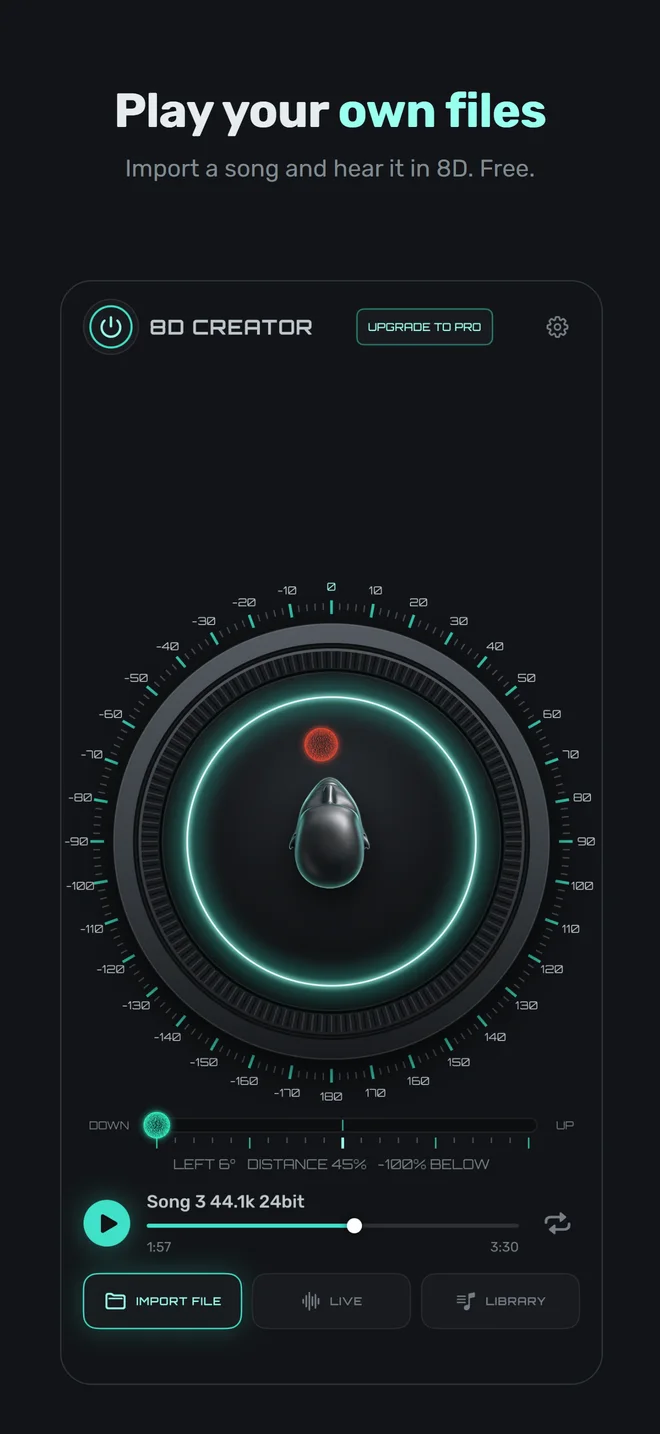
You sit in the middle of a dial, and the red dot is the sound. Drag it, and the song moves with it: in front of you, behind you, above, below, nearer or further away.
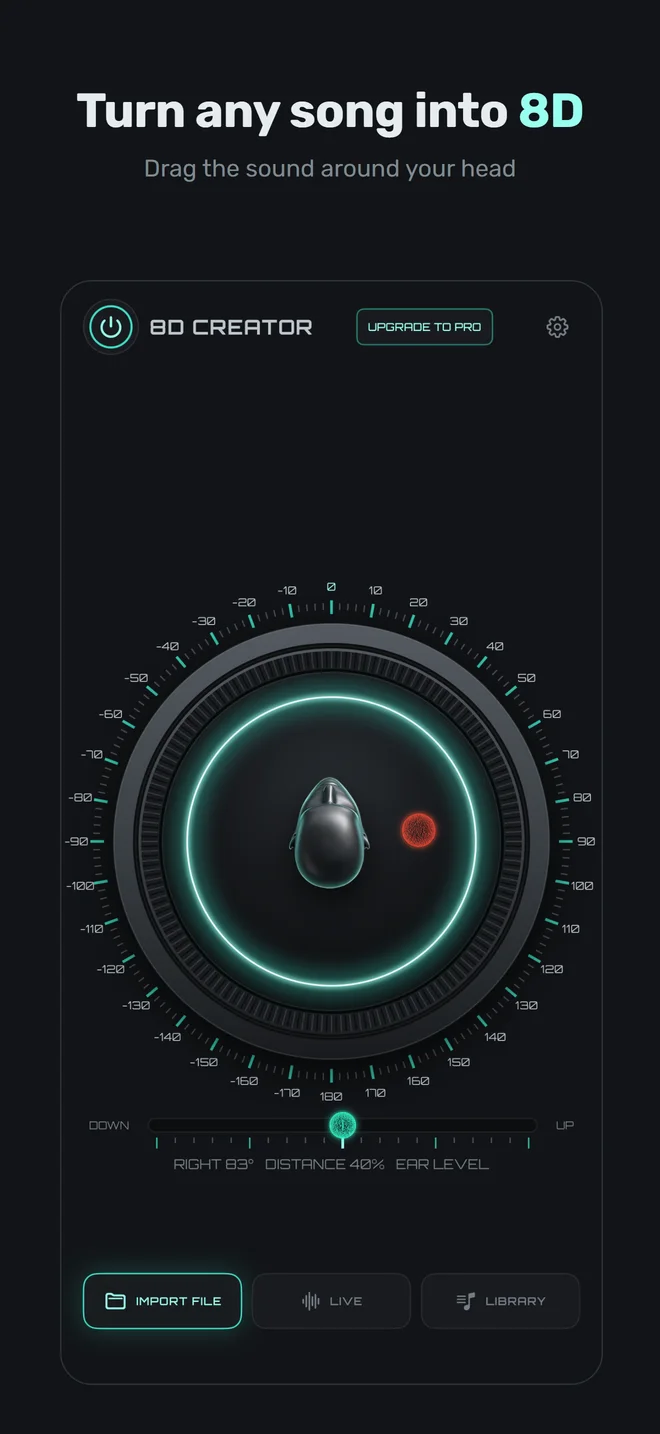
Turn any song into 8D
Import a song from Files and play it in 8D. That part is free, and so are Movement, Filter and Zero-G.
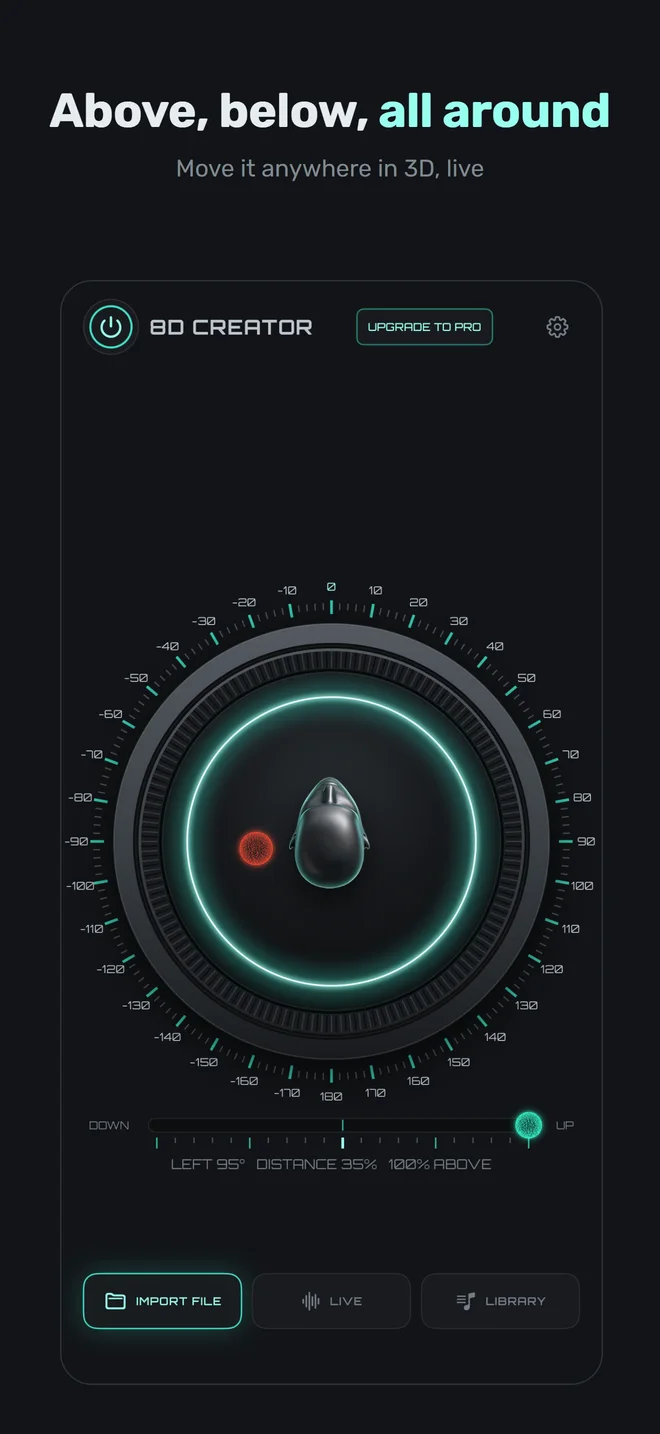
Above, below, all around
The sound goes up and down as well as around you. Move it and you hear it change in real time.
LIVE · PRO
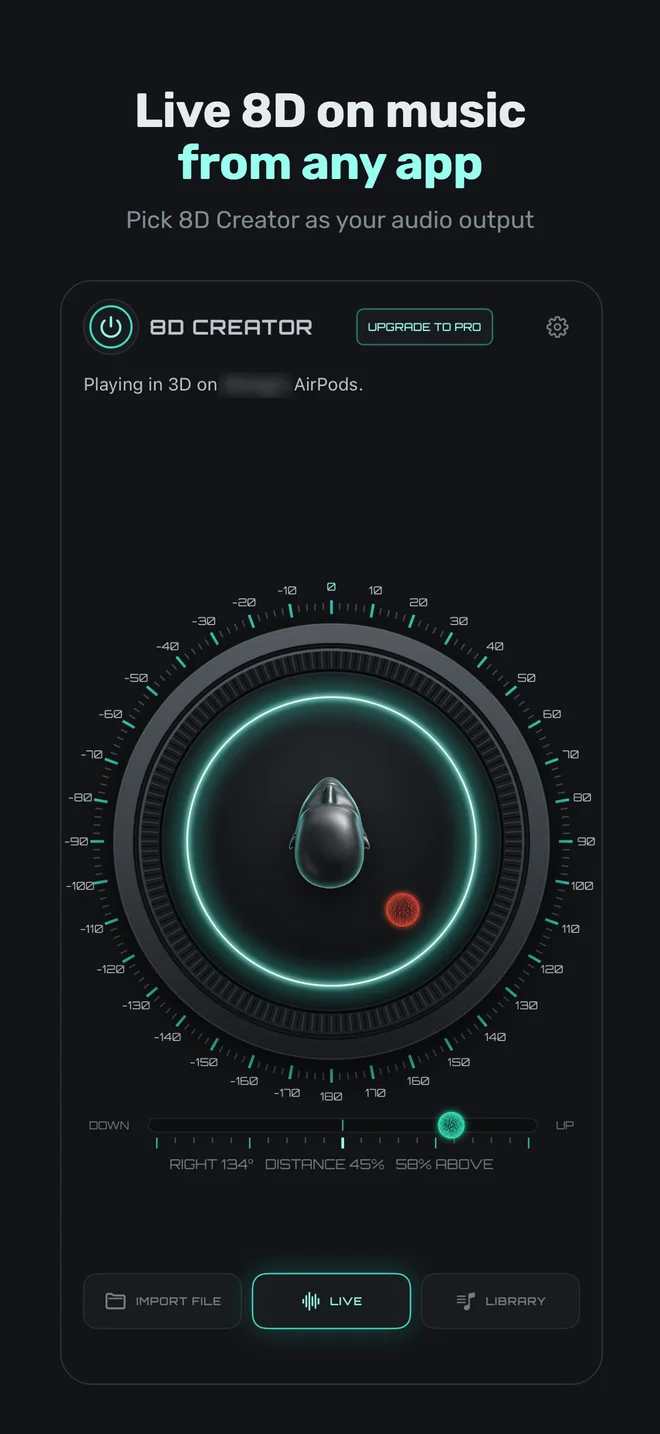
8D on music from any app.
With Pro, music from any app on your iPhone plays through 8D Creator. If it plays on your iPhone, you can move it around your head while it plays.
How to connect
- 1.Play music in any app, for example Spotify or Apple Music.
- 2.Swipe down from the top right corner of the screen to open Control Center.
- 3.Tap the AirPlay icon on the music tile.
- 4.Choose 8D Creator.
YOUR SONGS
Your songs. Your mixes.
Play your own files
Import a song from Files and hear it in 8D. Free.
Record your 8D mix
With Pro, record what you hear. Your 8D mixes stay in the app, and you can save a copy to Files. One recording can run for up to 10 minutes.
The Library
Pro includes a library of tracks you can play in 8D straight away, no files needed.
WHAT'S INSIDE
Everything in the app.
01
Movement
Pick a shape and the sound follows it on its own, or draw a path with your finger. With your own songs and the Library it pauses when the song does; Live keeps moving.
02
Filter
A high-pass and a low-pass, to thin out or darken what you hear.
03
Zero-G
Throw the sound across the dial. It bounces off the edges, and with Zero-G on it keeps flying instead of slowing to a stop.
04
18 more heads
Ears are different, so Pro adds 18 more heads, each measured from a real person. Pick the one that sounds most like you.
05
The 3D Panner engine
The sound comes from the engine behind 3D Panner, almudio's spatial audio plugin for music producers. It uses the SADIE II HRTF database from the University of York.
06
No account
No sign-up and no account. Your audio is processed on your iPhone and never leaves it.
FREE AND PRO
Start free. Go Pro for more.
Pro starts with a 7-day free trial on the monthly or yearly plan. If you cancel at least 24 hours before the trial ends, you are not charged. Manage or cancel it anytime in your App Store account settings.
LEARN
How to get 8D audio on Spotify and Apple Music
Spotify and Apple Music have no 8D setting. How the 8D songs on playlists are made, and how to hear any song from your music app in 8D on iPhone, live.
How to make 8D audio on iPhone
Make an 8D version of a song on your iPhone: import the file, move the sound around your head, record the mix and save it to Files. Step by step.
8D audio vs spatial audio: what's the difference?
8D audio, spatial audio, Dolby Atmos, binaural audio and binaural beats get mixed up. What each one is, what you need to hear it, and how they differ.
THE DETAILS
The details.
8D Creator
almudio
FAQ
Questions.
ABOUT 8D CREATOR
What does 8D Creator do?
It turns music into 8D audio that you steer yourself. On headphones, you drag the sound around your head, from front to back, above and below, and hear it move in real time.
Is it the same as 3D Panner?
It uses the same engine. 3D Panner is a plugin for music producers working in a DAW on a computer. 8D Creator is an iPhone app for listening in 8D and making your own 8D mixes.
Is there an iPad or Android version?
No. 8D Creator is an iPhone app and needs iOS 27 or later.
Which language is the app in?
The app's screens are in English.
LIVE AND HEADPHONES
Does it work with Spotify and Apple Music?
Yes, with Pro. Live lets music from any app on your iPhone play through 8D Creator. Play the song in your music app, swipe down from the top right corner to open Control Center, tap the AirPlay icon on the music tile and choose 8D Creator.
Do I need headphones?
Yes, 8D Creator needs headphones. Wired and Bluetooth headphones both work.
Can I save what I make?
With Pro you can record your 8D mix. Recordings stay in the app and you can save a copy to Files. One recording can run for up to 10 minutes.
FREE, PRO AND PRIVACY
Is 8D Creator free?
Yes, it is free to download, with ads. Playing your own songs in 8D, Movement, Filter and Zero-G are free. Pro adds Live, recording, 18 more heads, the Library and no ads.
How does the free trial work?
Pro starts with a 7-day free trial on the monthly or yearly plan. If you don't cancel at least 24 hours before the trial ends, the plan you picked starts and your Apple Account is charged. Subscriptions renew automatically unless cancelled at least 24 hours before the end of the current period. Manage or cancel anytime in your App Store account settings.
Does the app collect my data?
There is no account, and your audio is processed on your iPhone and never leaves it. Once a day the app sends almudio one anonymous message about how it was used the day before, with nothing that identifies you or your phone; you can turn it off with "Share anonymous usage" in Settings. The free version shows non-personalised ads from Google AdMob; Pro has none. The details are in the privacy policy.
READY?
Put your headphones on.
8D Creator is free on the App Store, for iPhone with iOS 27 or later.
Making music on a computer? The same engine is in 3D Panner, a plugin for your DAW.